
Fixing the Remote Support Customer Client Popup Spam
Warning: This script will force restart your computer, so please save all your work prior to following these instructions.
This article shows how to fix the "Remote Support" software showing constant popups on your apple device.
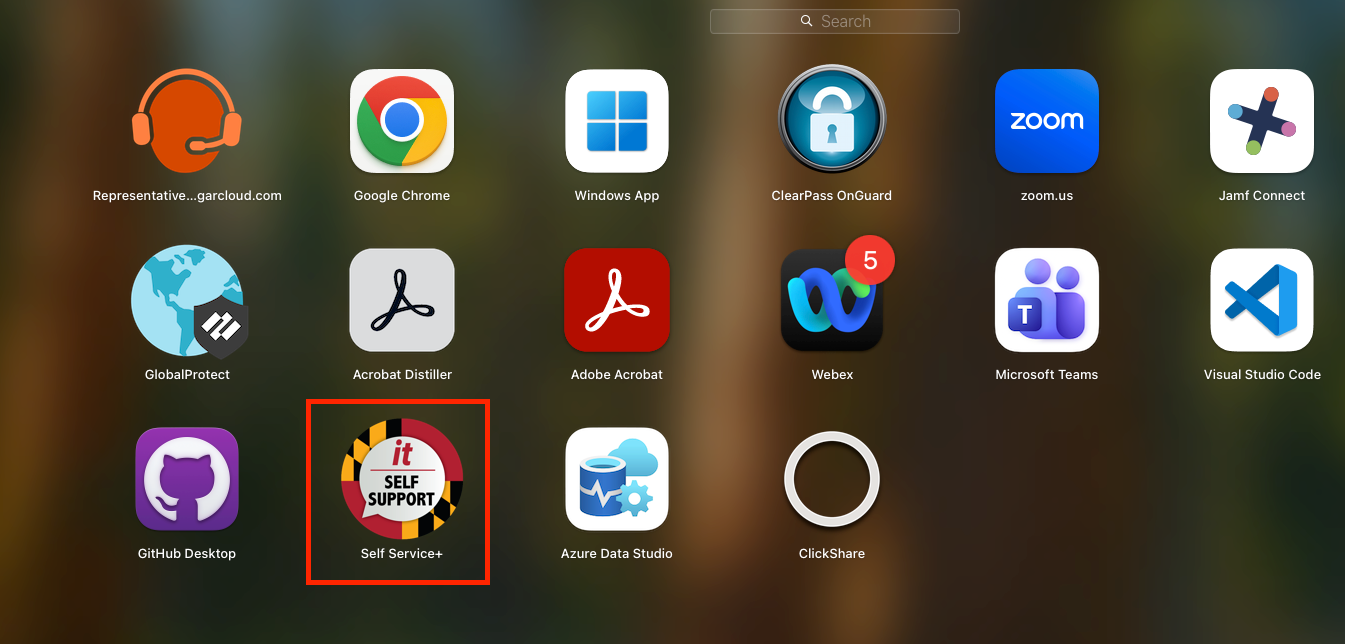
- Do a search on your laptop or open launchpad.
- Find "Self Service+"
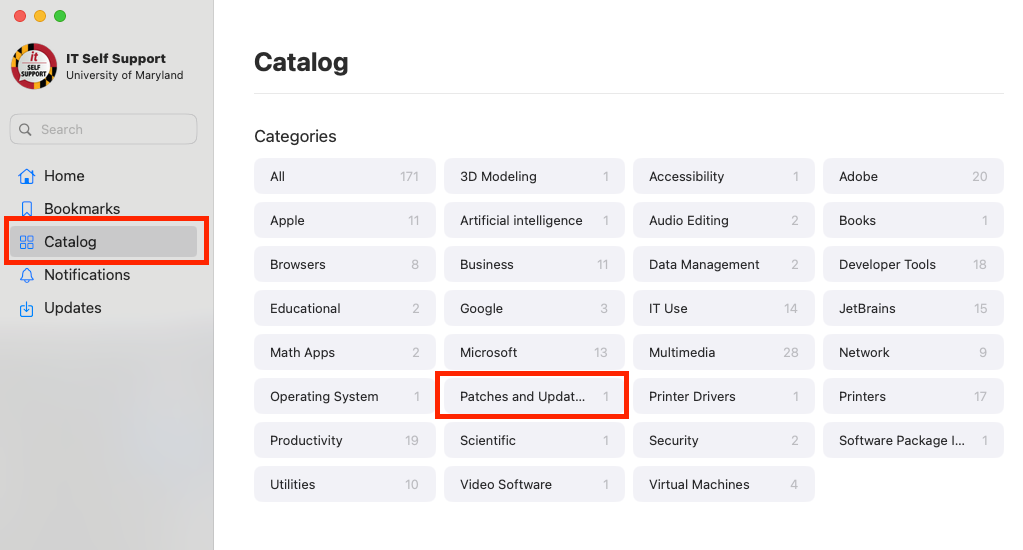
- Open the "Catalog" and click "Patches and Updates"
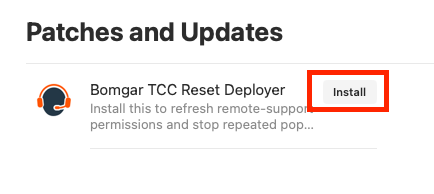
- Click "Install" on the Bomgar tcc Reset Deployer
- Click "Submit" on the Management Action popup

- Close out the confirmation message
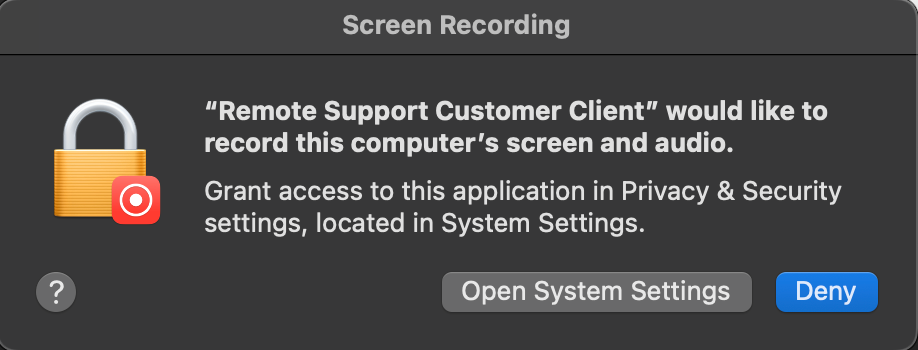
- You may get another pop up from "Remote Support Customer Client" as shown below. If you get either of these popups, click "Deny"
- Please restart your computer manually. This should complete the patch. If you continue to have the popup on restart please open a ticket at athleticsit@umd.edu