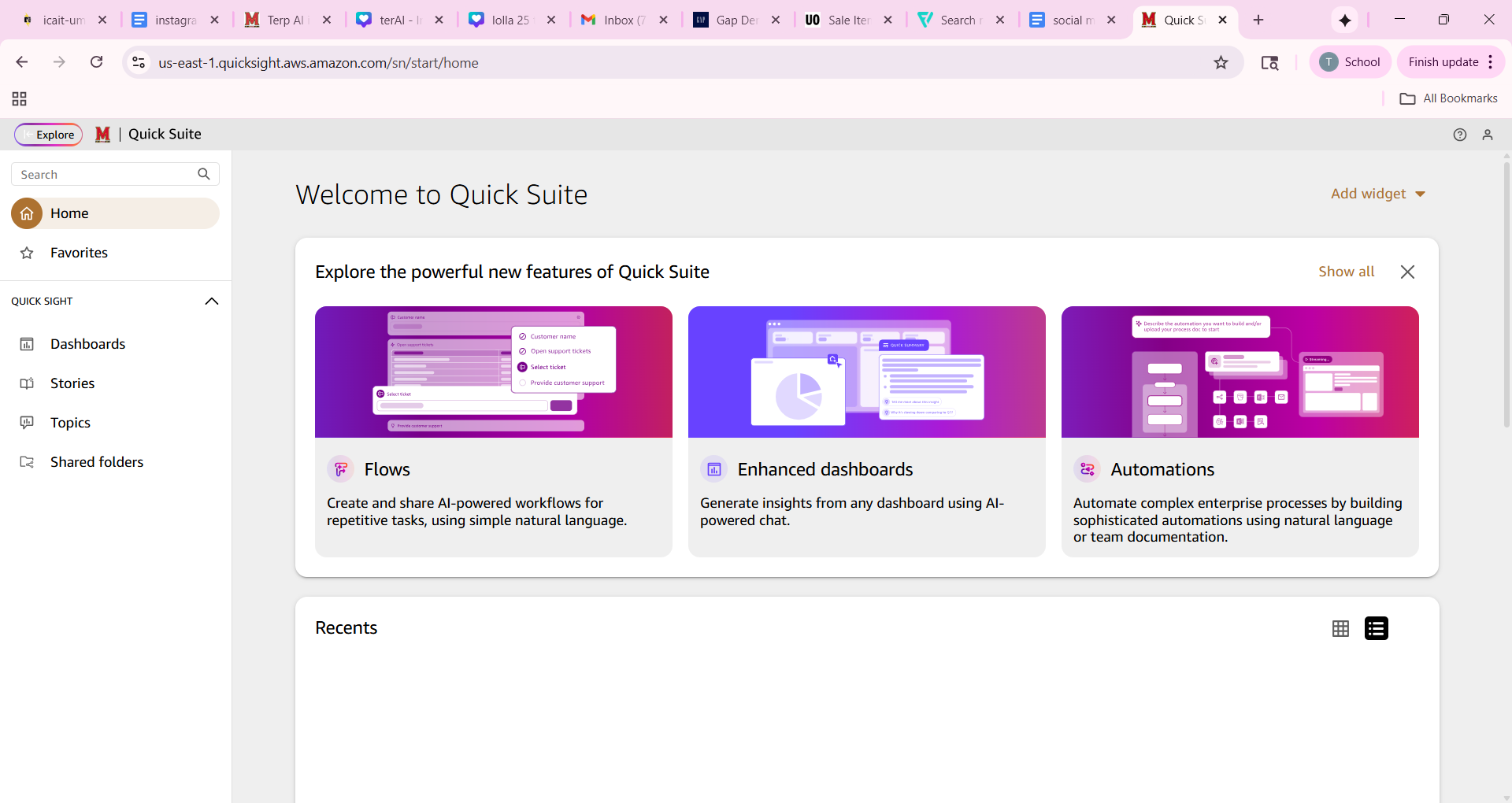
This article is a guide on how to log in for the first time to view data reports through AWS Quick Suite.
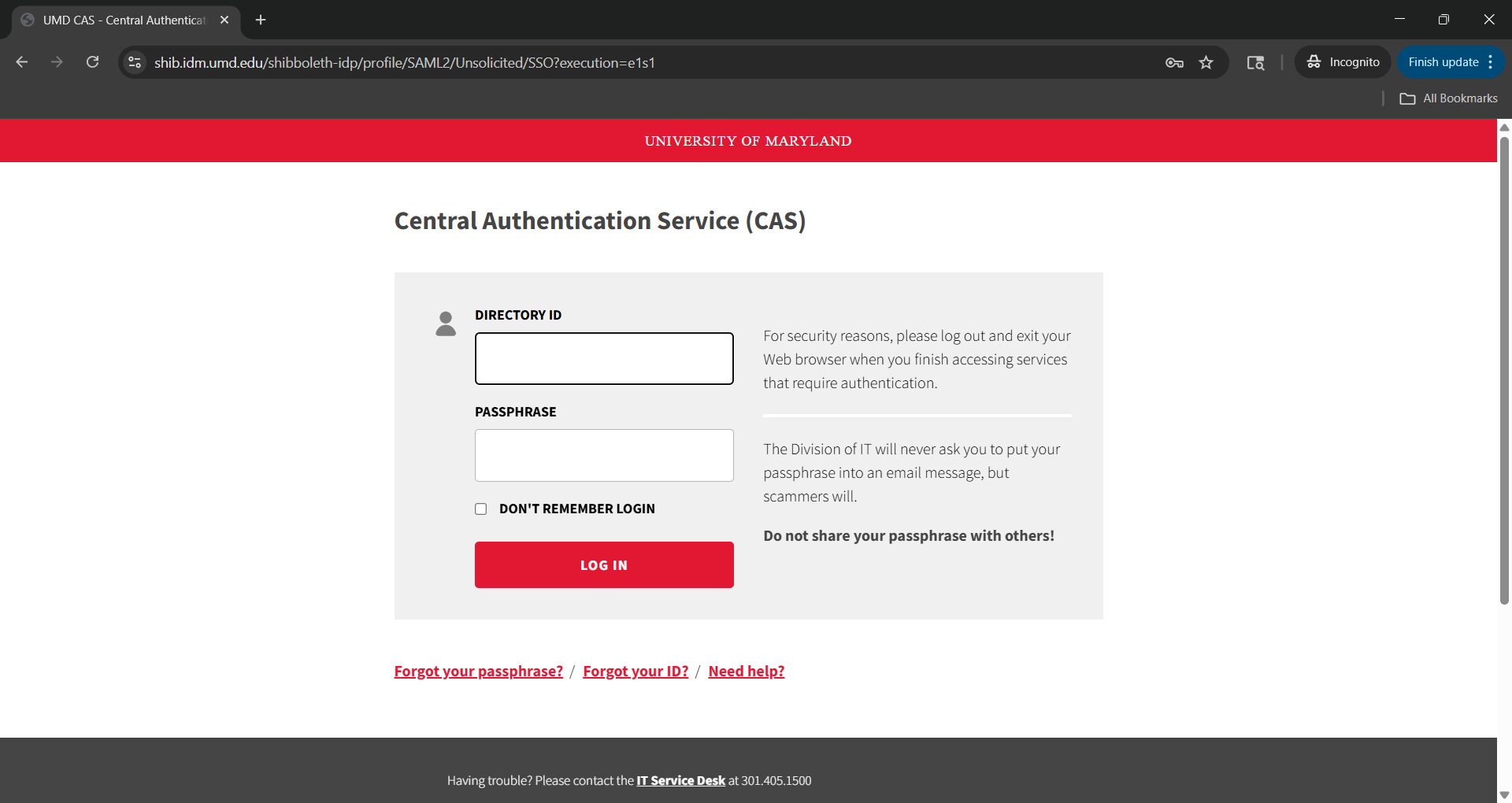
Step 1 Go to go.umd.edu/terpsdata and enter your university directory information
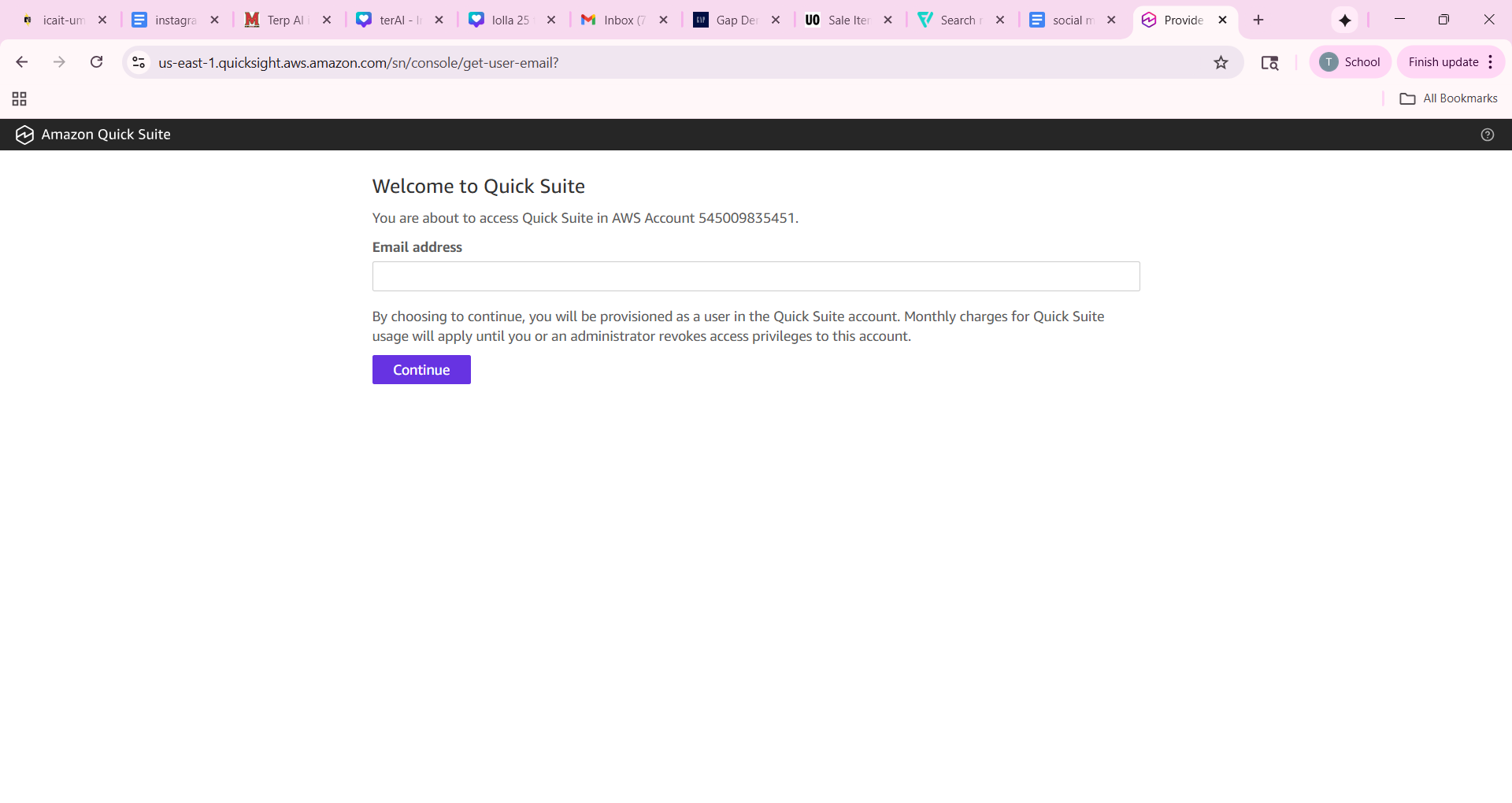
Step 2 Once logged in you will be able to enter the university email address associated with your account
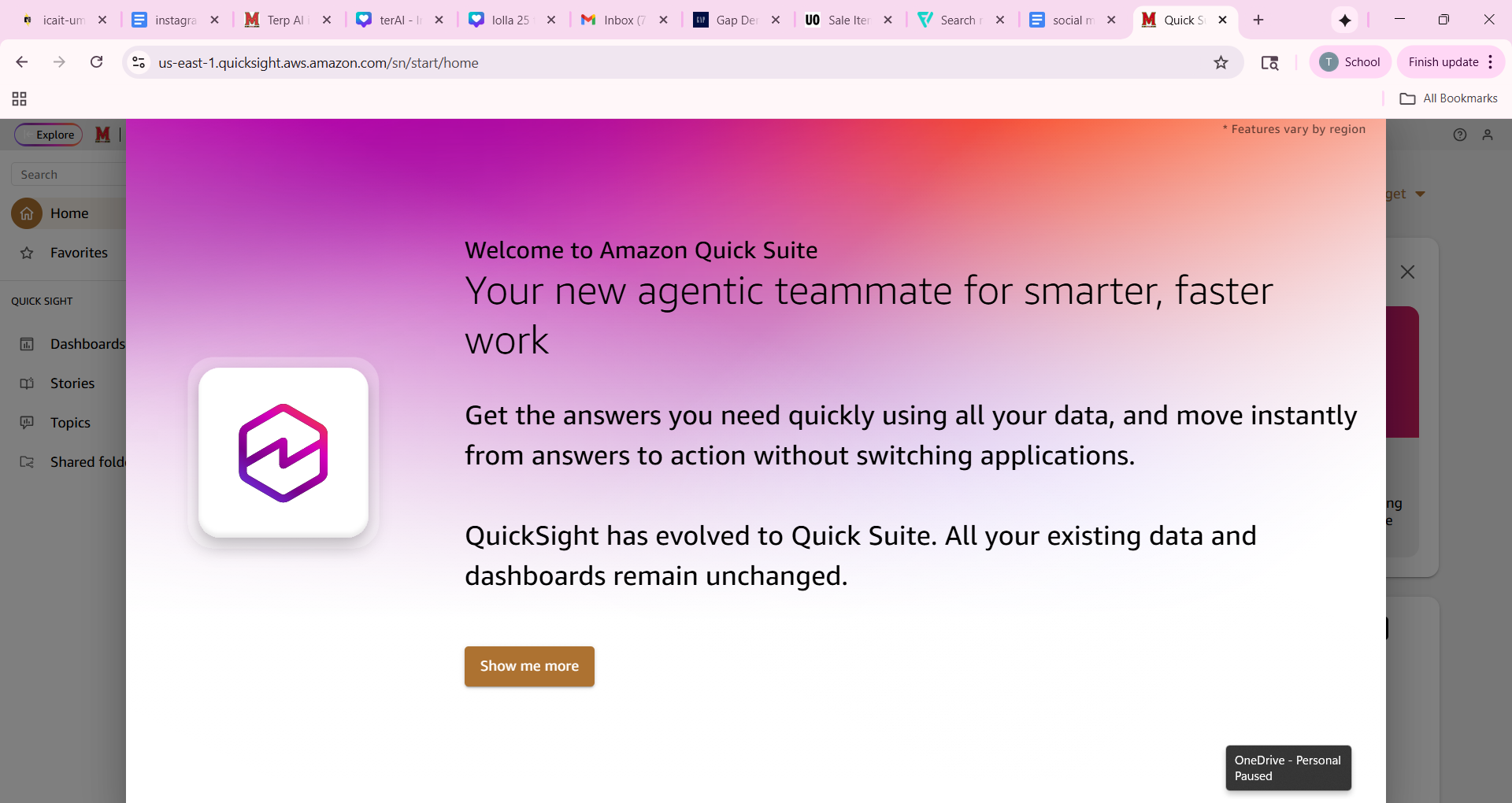
Step 3 You will be met with a welcome screen introducing you to the updated platform.
Step 4 Once the introductory screens are closed you will be able to access your Quick Suite home screen and dashboard